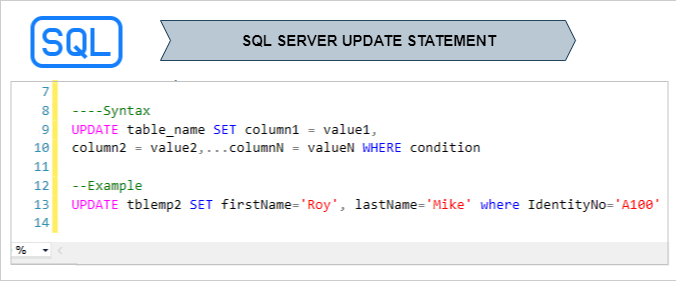
The SQL Server UPDATE Statement is used to modify existing data in table. It’s comes under Data Manipulation Language(DML).
Syntax:
UPDATE table_name SET column1 = value1,
column2 = value2,...columnN = valueN
WHERE condition
Note: See how to CREATE TABLE & INSERT Data into Table
Example:

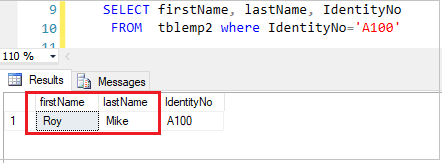
Now we will update firstName & lastName for IdentityNo ‘A100’.
Execute below query:
UPDATE tblemp2 SET firstName='Roy', lastName='Mike' WHERE IdentityNo='A100'
Query Output:
Hope you enjoy the post. Your valuable feedback, question, or comments about this post are always welcome or you can leave us message on our contact form , we will revert to you asap.
Recommended SQL Server Post:
