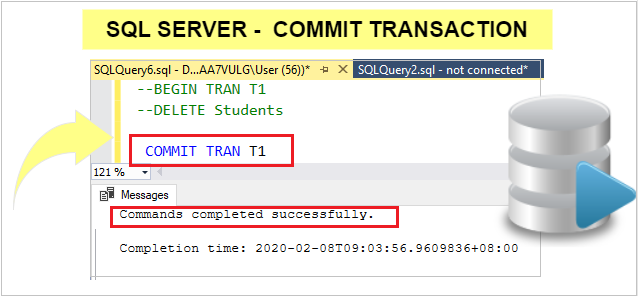
It is used to permanently save any transaction into the database. Once you commit you can not rolled back the transaction.
Syntax:
COMMIT;
Note: Refer same post- BEGIN TRAN, ROLLBACK
Let’s understand with an example:
Step 1: Sample data as below:

Step 2: Delete all records from Students Table using BEGIN TRAN command.
Query:
BEGIN TRAN T1
DELETE Students
--T1 : is Transaction name
--Execute both query together

Step 3: All records has been deleted.
SELECT * FROM Students

Step 4: Here we used BEGIN TRAN before SQL Query statement, so it holds the transaction until the transaction is either committed or rolled back.
Step 5: Now Rolled back the transaction.
ROLLBACK TRAN T1
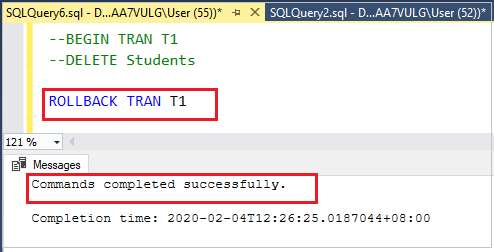
Step 6: check the table all records rolled back or not?
SELECT * FROM Students

Step 7: As you saw, all records rolled back successfully, now delete all records again and commit the transaction.
Query:
BEGIN TRAN T1
DELETE Students
Step 8: Now Commit the Transaction
COMMIT TRAN T1

Step 9: After commit, previous deleted transaction saved successfully, now try to ROLLBACK them.

As you saw, after Commit you can not rolled back any transactions. Now select Students table.

As you saw, you can not rolled back them.
Hope you enjoy the post. Your valuable feedback, question, or comments about this post are always welcome or you can leave us message on our contact form , we will revert to you asap.
